|
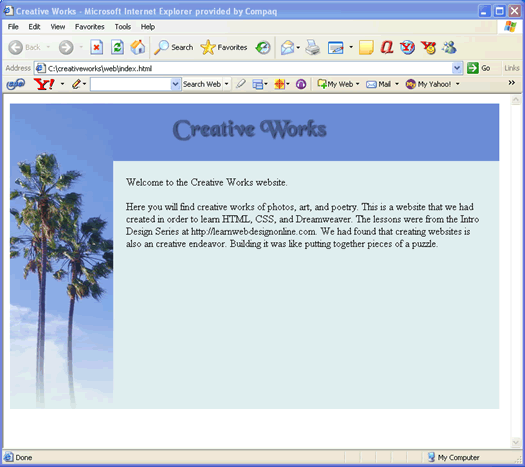
Introduction to CSSIn the HTML/Dreamweaver lessons, we had completed a basic web page that looks like ...
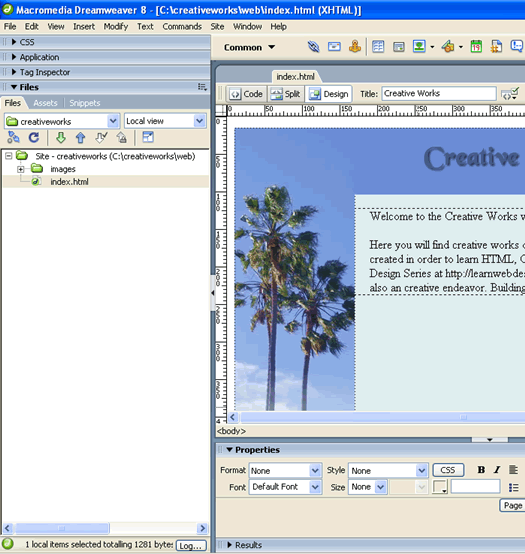
Download: code1.zip To download the source files that we have so far, right-click on the code1.zip link and do a "Save As" to your local disk. Then extract its contents into the folder C:\creativeworks\web. Then setup a Dreamweaver site called creativeworks that points to that directory as we had done in the HTML/Dreamweaver lessons. Open up the index.html file in Dreamweaver's Design View and you are ready to go. It should look something like this...
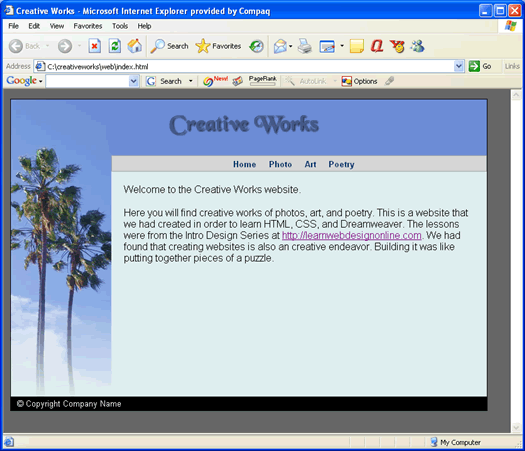
BrowsersIn this course, you will need at least two browsers. The first browser you need is Internet Explorer (IE) because it does have the highest market share and is what most users have. So we need to make our pages look good on it. Remember that not all browser will display an HTML page the same way. Because IE sometime fails to follow the CSS Specifications, CSS designed pages will often work in one browser such as Firefox, but not in IE. CSS stands for Cascading Style Sheet and you will be learning a little of it shortly. The second browser that you need for this course is Firefox, because it is one of the browsers that does follow the CSS specification quite closely and is rapidly gaining market share. If you do not have Firefox, it is a free download. With that said, a technique from going crazy with browser bugs is to test often in both browsers. Write a little code and then test in both. Then write some more code and then test in both. Continue as such. Do not write a whole page of code in between testing. Because surely you will eventually come across a bug where it works in one browser but not the other. And you will not know which piece of code is causing the problem. If you test after writing a small amount of code, you will know exactly where the problem code is. I would test in Firefox first and then test in Internet Explorer (IE). Next StepsOur next steps are to build upon this page to add in a navigation bar and a footer and will eventually build out a four page site. Along the way, you will learn the basic CSS concepts as we stylize and adust the font, positioning of elements, and implent link hover changes. Lastly, we will convert this table-based design into a CSS two-column layout design that is horizontally centered across the browser. Here is the picture of the final product that we will be creating...
In the next lesson, we will add the footer.
|
 |
 |
| Roadmap | Lessons | Tutorials | Videos | Books | Links | About |
|
|