|
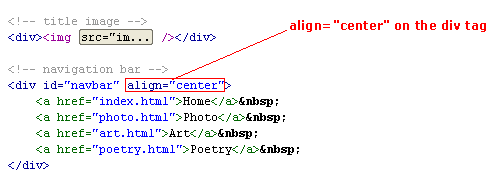
Centering the LinksAnd lastly, we want the links to be centered along the horizontal navigation bar. We can either set an attribute in the <div> tag itself...
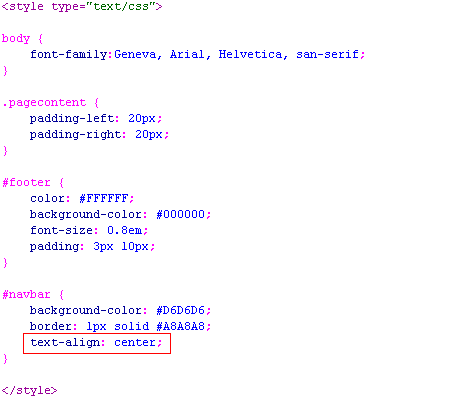
or add a style property in the CSS...
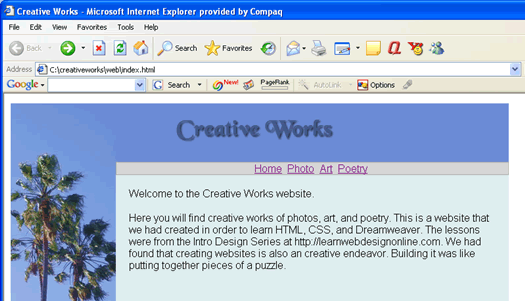
Both will give the same results...
However, let choose to do it using the latter method of the CSS property because that provides better decoupling of the styling from the structural markup of the HTML. Note the differences between the attribute in the HMTL ... <div align="center">
and a CSS property... text-align: center;
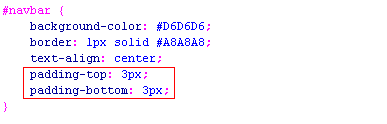
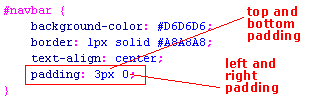
First of all the names are not the same. The former is align, the latter is text-align. The attribute uses an equal sign. The property using a colon. The attribute value is within quotes. The property is not. Adding PaddingLooks to me that I want to have the nav bar higher so that the text have more air to beathe on the top and bottom. So lets add some top and bottom padding...
which we can write in short-from as ...
Note that when we have 0px, we can write it as a bare 0. Since zero is zero regardless of the units.
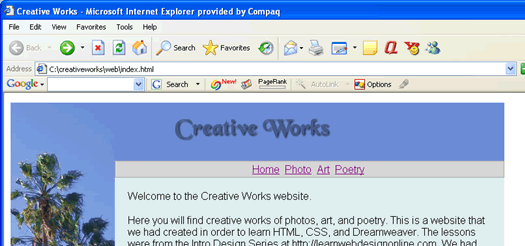
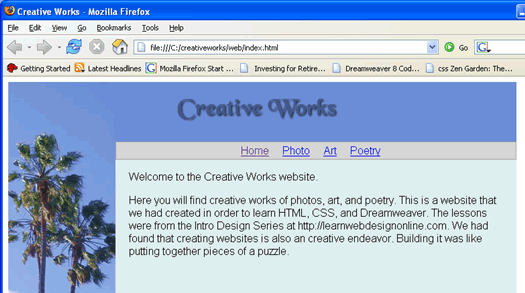
Okay, looks much better. However, I would like more spaces between the links ...
Okay good enough. Remember to check in both Firefox and IE. The font on the links is still a bit too big. But we will style that in the next lesson when we style the links and implement their hover over effect.
Download: code4.zip Continue to the next lesson to style the links.
|
 |
 |
| Roadmap | Lessons | Tutorials | Videos | Books | Links | About |
|
|